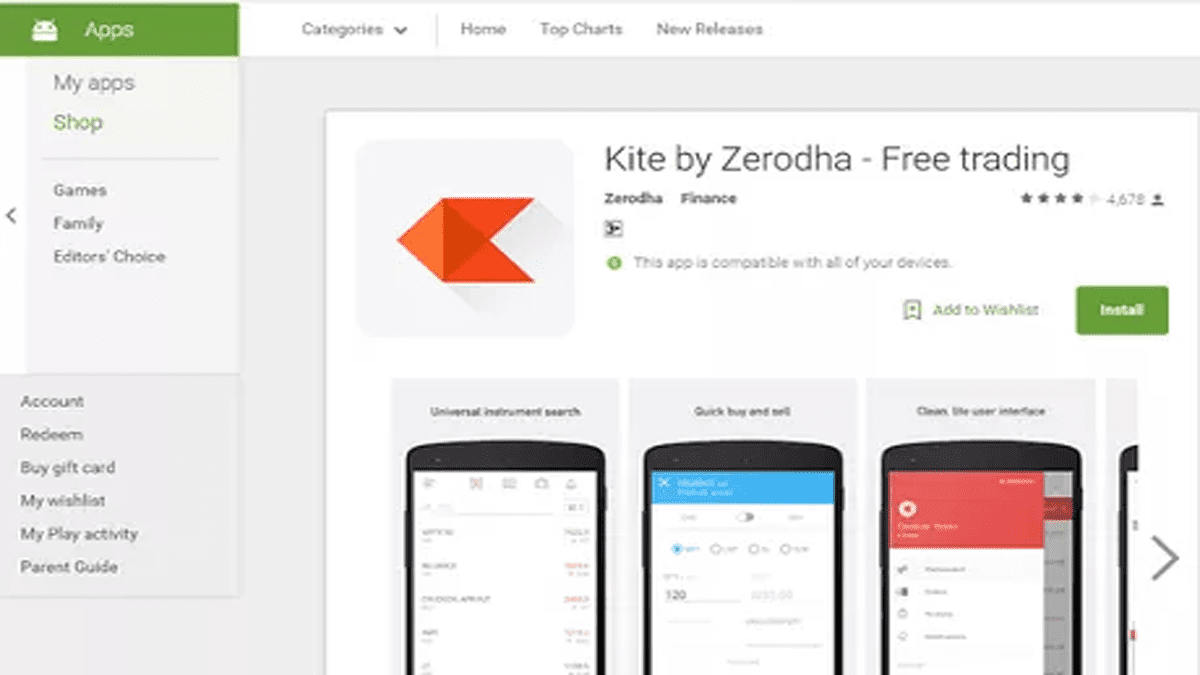
With the passing years, the age becomes more advanced and digital with technologies, techniques, apps, and lots more. Now, it’s time to use an E-wallet instead of cash. Google Play is a digital wallet platform which is developed by Google a few months ago. In simple terms, it makes online payment much easier. Before 2018, there were android pay and google wallet, after Jan 2018, google wallet has unified into a single-payer system, termed Google Pay App. The article will guide you on this mobile application and the money-transferring process through the app to your Demat account.
What is Google Pay App?
Google Pay is a mobile application developed by Google that allows users to make online purchases and send money to people around the world. Users can add their debit or credit cards, link bank accounts, and access exclusive rewards such as cash-back offers when they shop with certain partners. The app also enables users to store loyalty cards for easy tracking and redemption in-store.
How to Setup Google Pay App?
Here, we are trying to provide step-by-step detail regarding the usage of the Google Pay App.
To download google pay CLICK HERE
.






OR, search for “google pay” from your play store and install it.
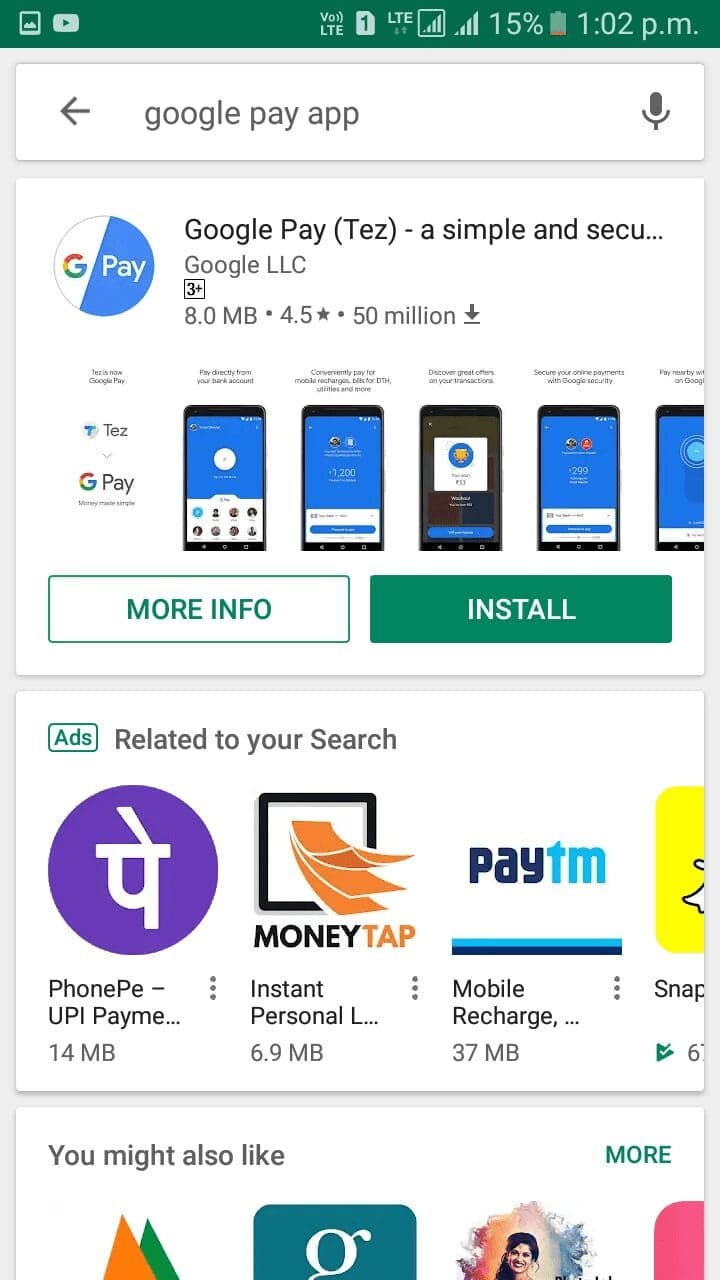
After installing it, you will be asked for verification of your mobile number and other security details. Read carefully before the application.
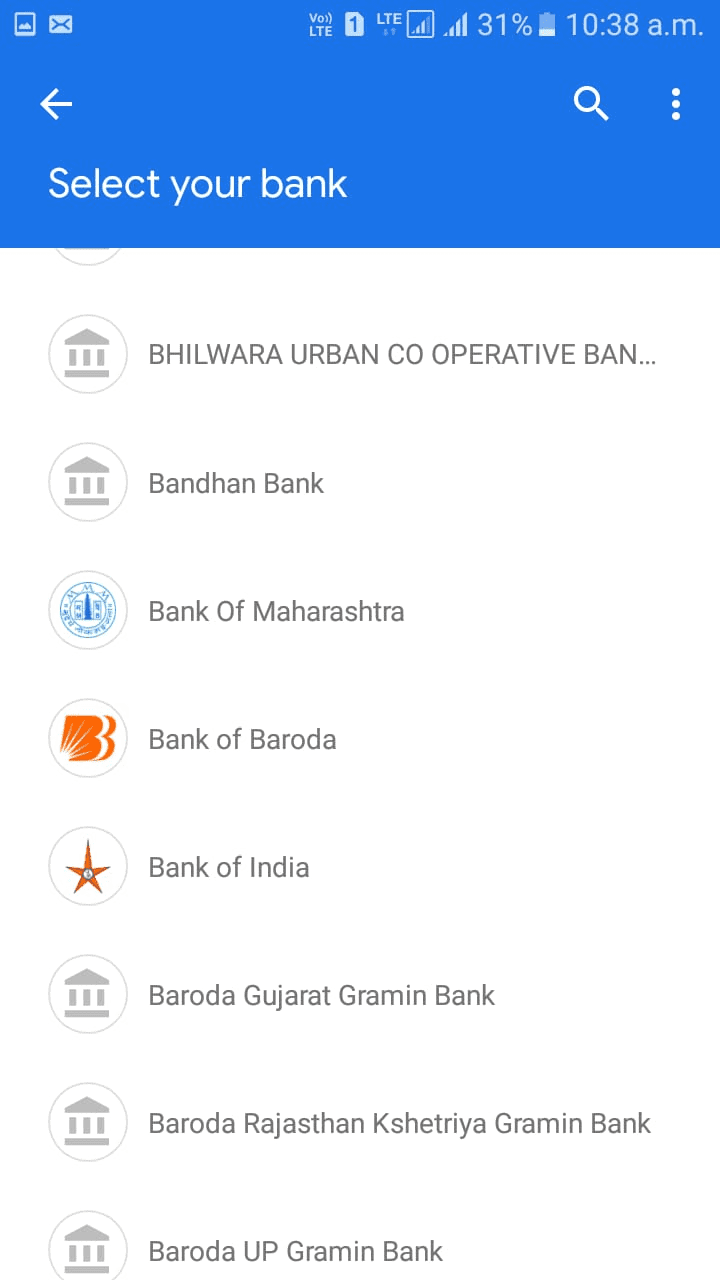
The next step after the security verification is to select your bank. Users must have a debit card with them to have a smooth process.
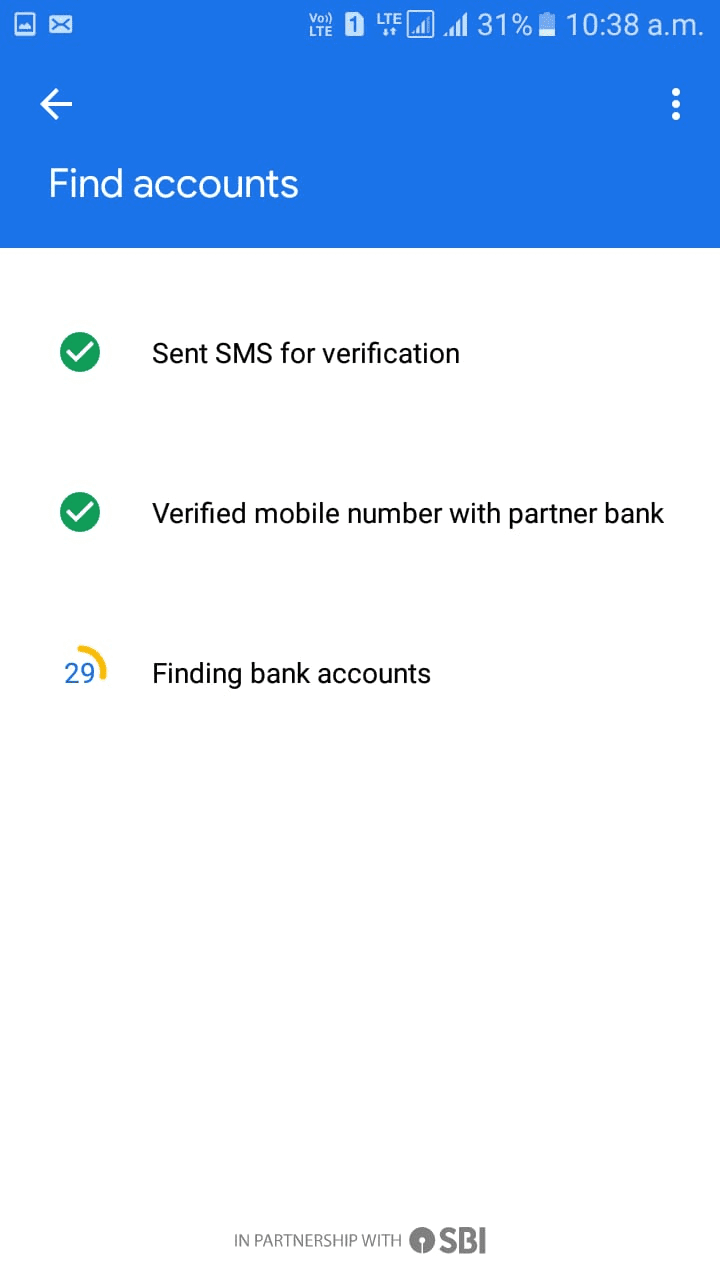
After bank selection, this verification process will happen.
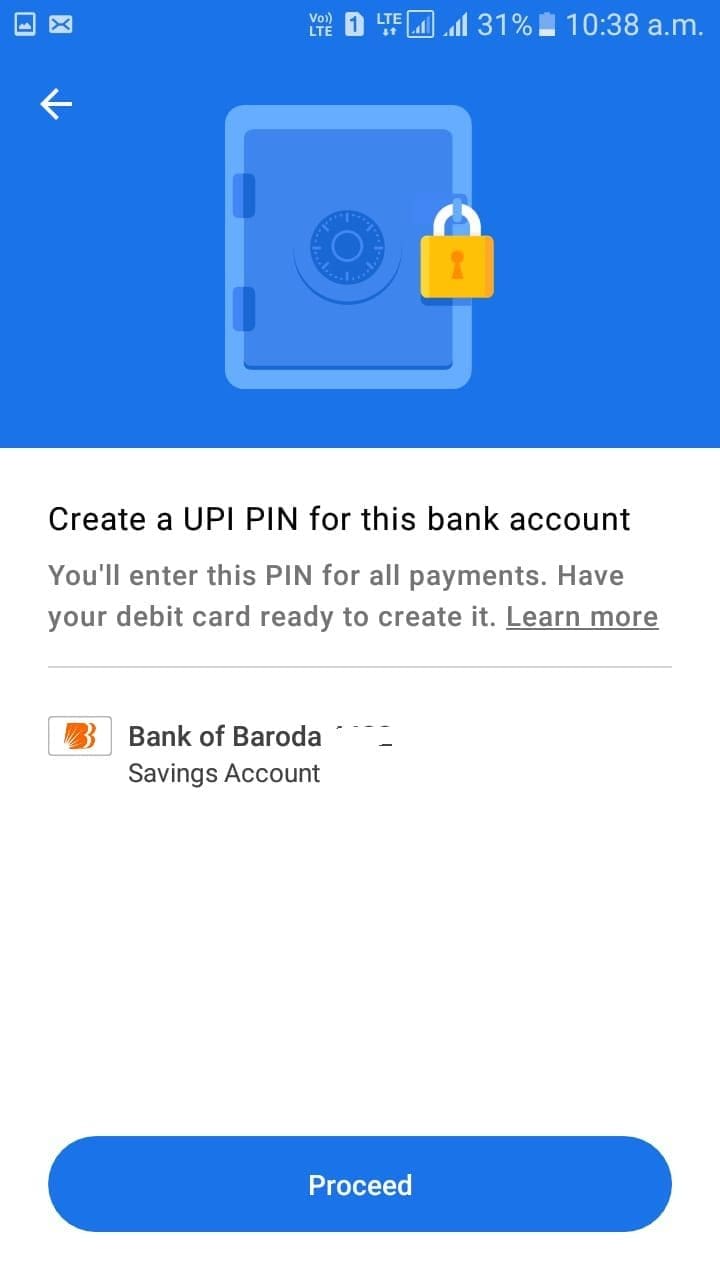
Transferring Funds for Trading with Google Pay App
In order to transfer funds, users need to create a UPI ID by generating UPI Pin.
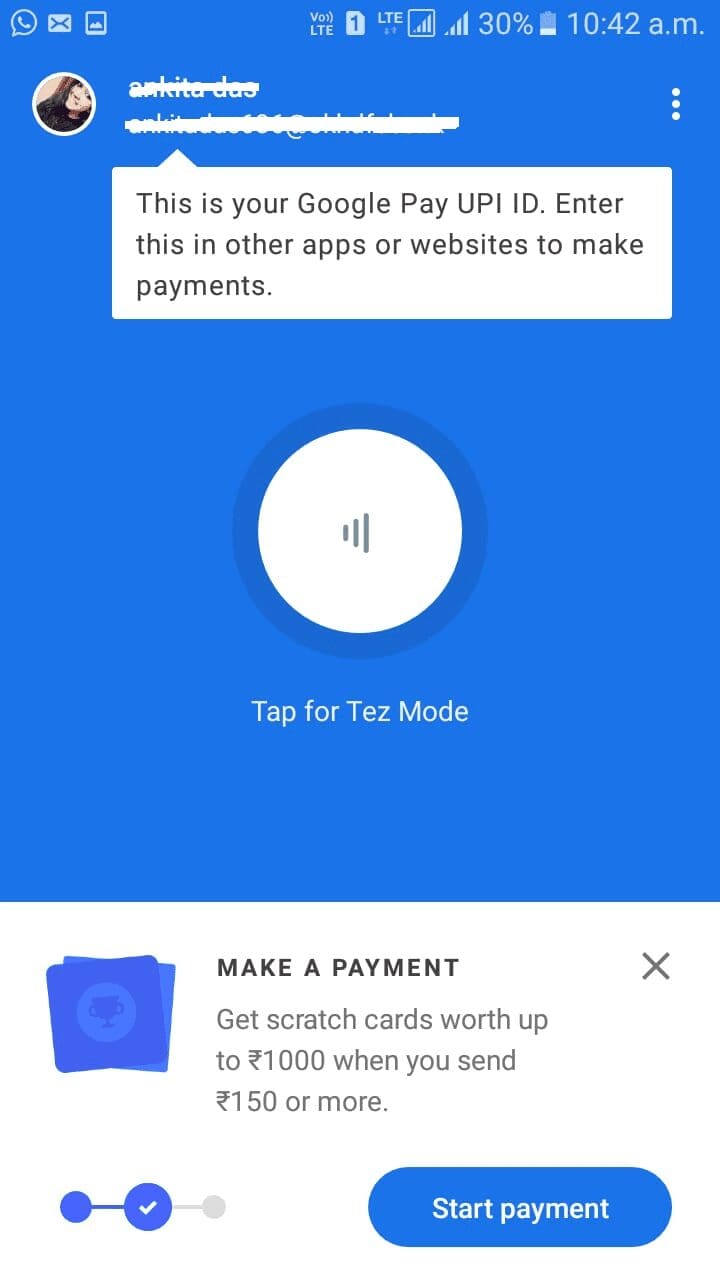
The last and final step is to transfer funds by using the UPI Pin. For example, here I transfer 100 Rs. to my Zerodha Kite account.
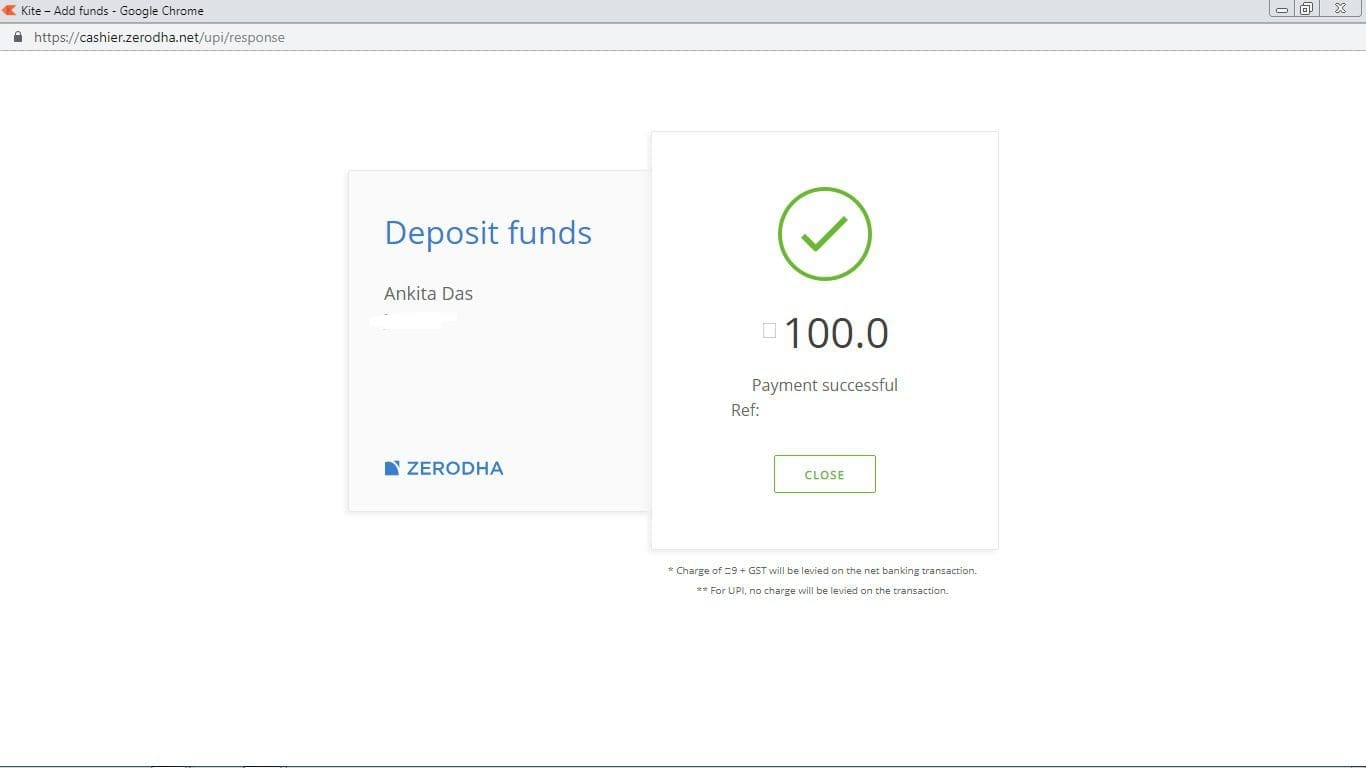
The process of fund transfer is quite simple and fast. It will take a few secs to transfer the fund.
Advantages of Using Google Pay for Funds Transfer
Besides these fund-transferring facilities, there are other eye-catching rewards. You can get cashback, and coupons by transferring a limited amount of funds. It is less complicated and easy to use in comparison to Internet banking. By using it, one can go cashless and save time. If we talk about security, currently, it is one of the best-secured digital wallets.
FAQ
Installing Google Pay is easy – just open your phone’s app store and search for “Google Pay”. Download and follow the prompts to set up an account.
You can create a Google Pay by first downloading the app, then registering with your personal information including name, email address, and bank details connected to your UPI ID (Unified Payment Interface).
Yes – in India, you can use UPI-ready apps like BHIM or GeorgePay through Google Play Store on Android phones which makes it possible to carry out transactions easily without entering any banking information every time.
Yes – before you can start making payments using the application, you must link it with your Indian bank account as well as link all debit/credit cards that are registered with your banking institution in order for payment processing to be successful every time.
Conclusion
Google Pay has revolutionized the modern trading system. It is a great tool to use for transferring funds, and it offers plenty of options for sending and receiving payments. Plus, it is secure, fast, easy to use, and error-free making the whole process of transferring funds simpler. Finally, with Google Pay App you can enjoy a cost-effective, convenient way to send money anytime!